Design skills
In Claybridge Studio, the way to enhance our bots to perform different tasks is through skills. Skills are like the different abilities we give our assistant to carry out various tasks. This includes answering specific questions about the documents we've uploaded, searching for information on the Internet, or even interacting with users through guided processes or integrations with other systems, all through natural conversations.
We can also create skills to provide our bot with a catalog of functions to help users, for example, to provide weather information in a city, open a support ticket, or create an event in our calendar.
With these skills, our assistant becomes a versatile and powerful tool, capable of adapting to a wide range of needs and providing a more comprehensive and useful experience for users.
Claybridge Studio offers two types of skills: dialog (dialog and functions) and search.
Dialog
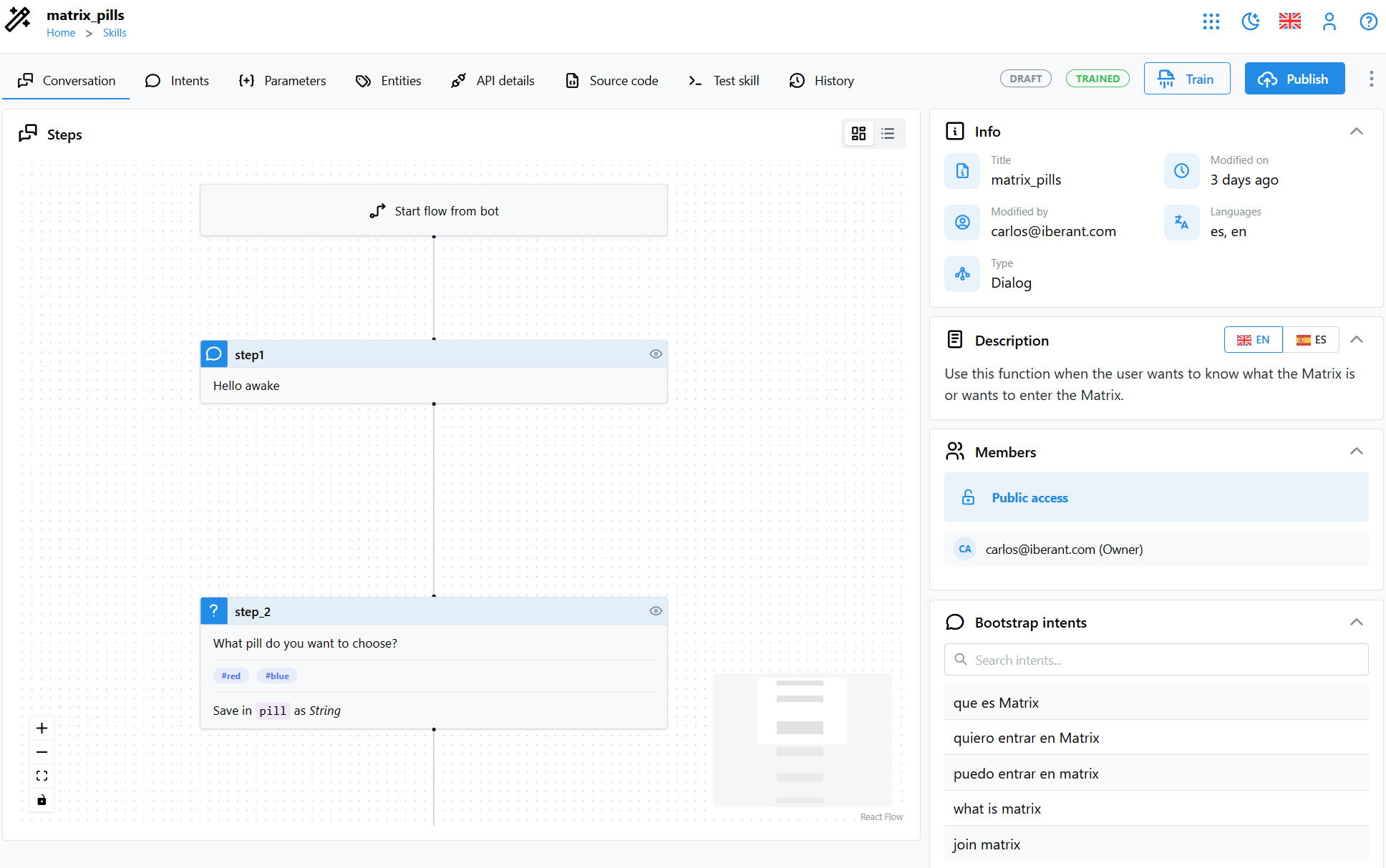
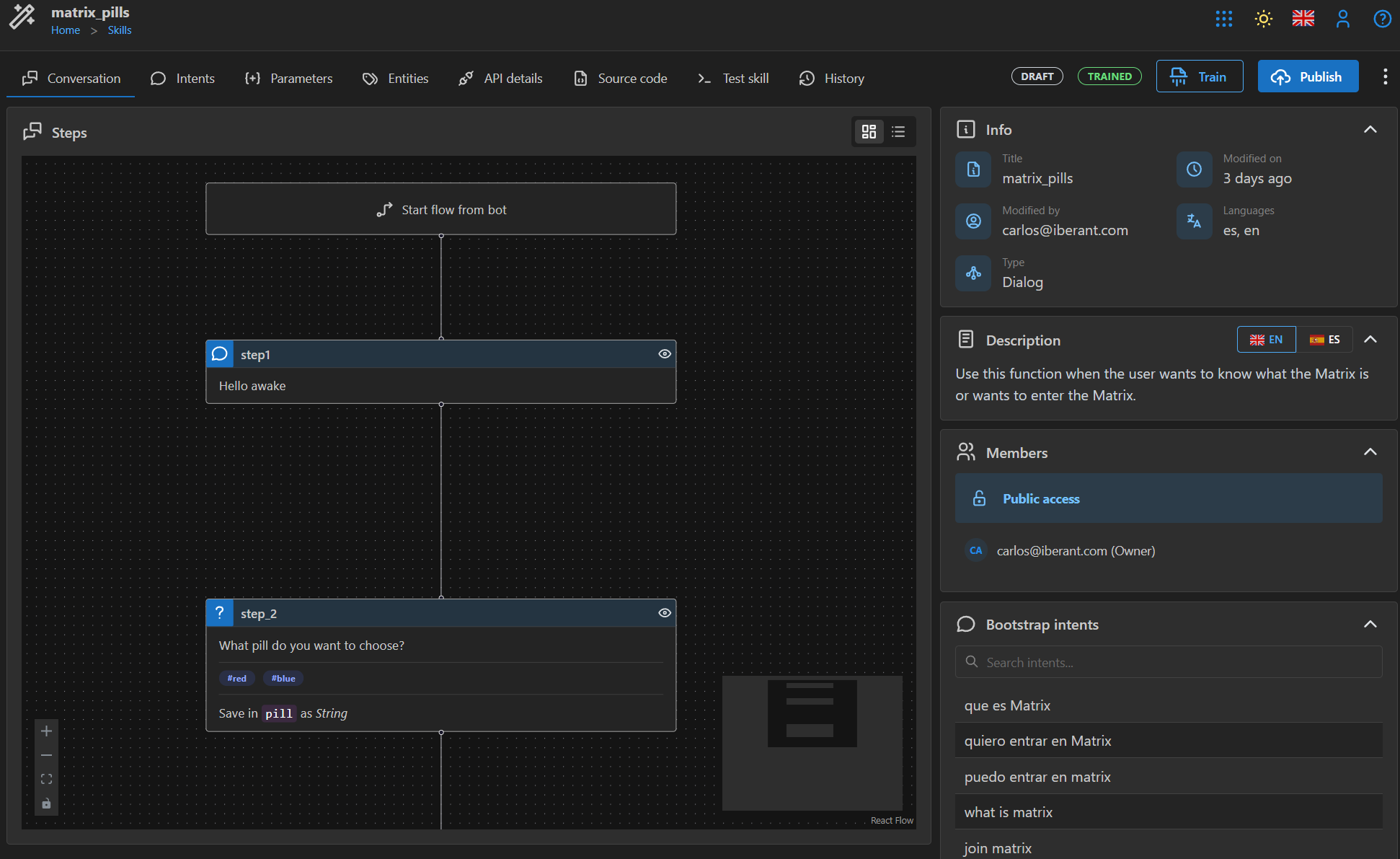
Dialogue skills help provide guided interaction flows to accomplish specific tasks, such as assisting a user in resetting their password in a given system or creating an event in the calendar. The ultimate functionality of this type of skill is to interact with the user to gather the necessary data to complete a given task.
Functions
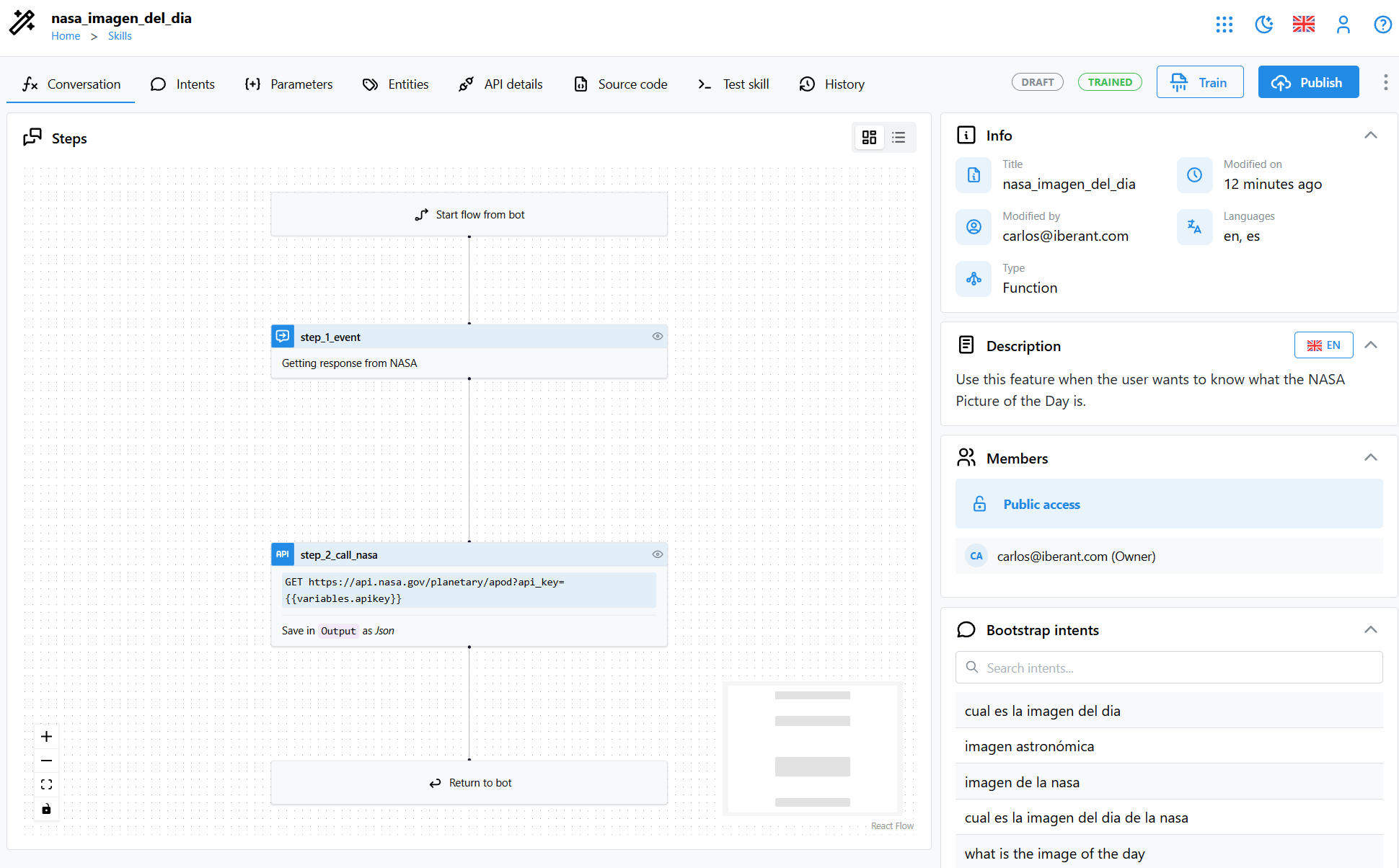
Function skills will provide a catalog of abilities that our bot can use to fulfill user requests. For example, we can have a function to get the weather in any city or to provide information about our upcoming meetings.
Functions are similar to dialog skills but more direct, as they are designed to be called from an LLM model.
Search
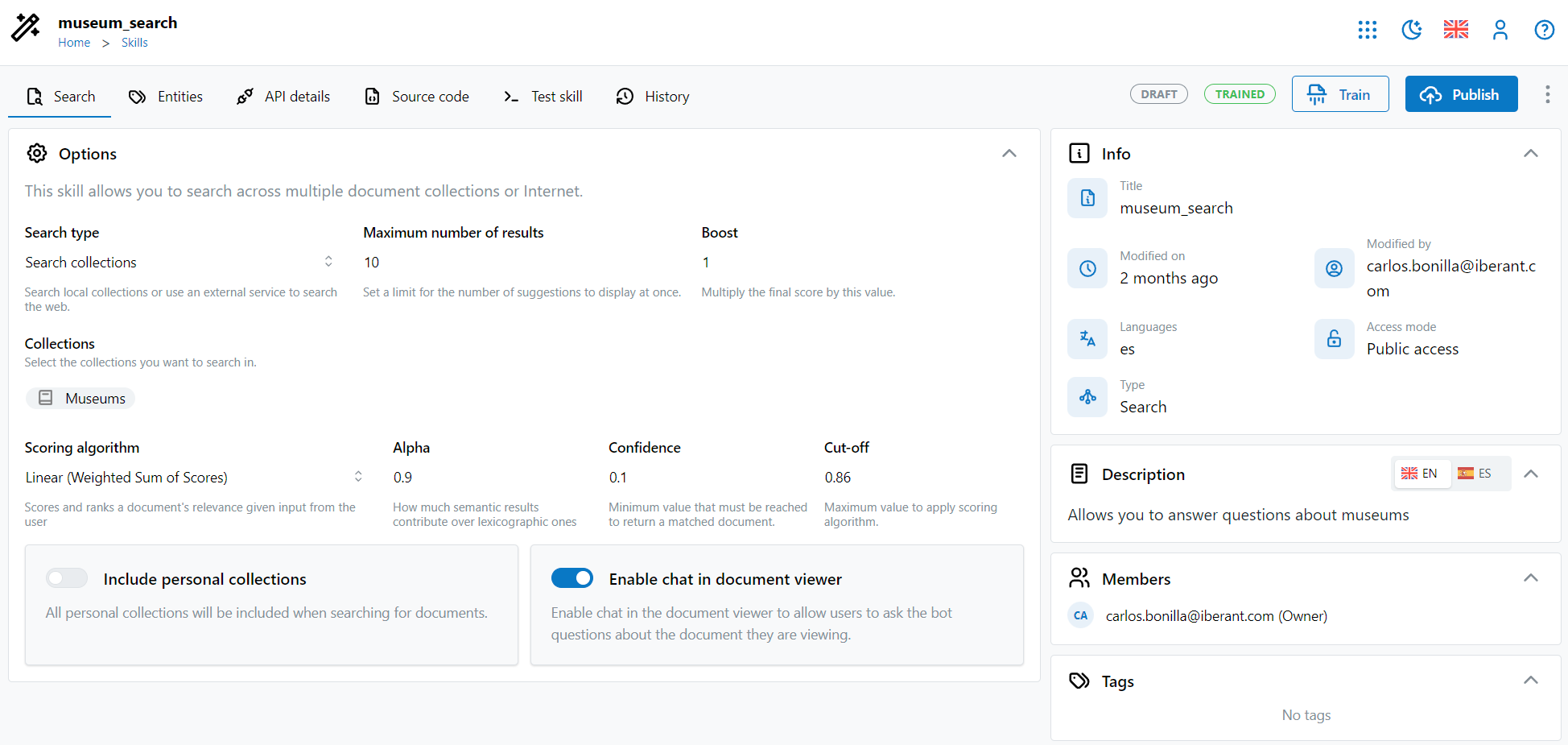
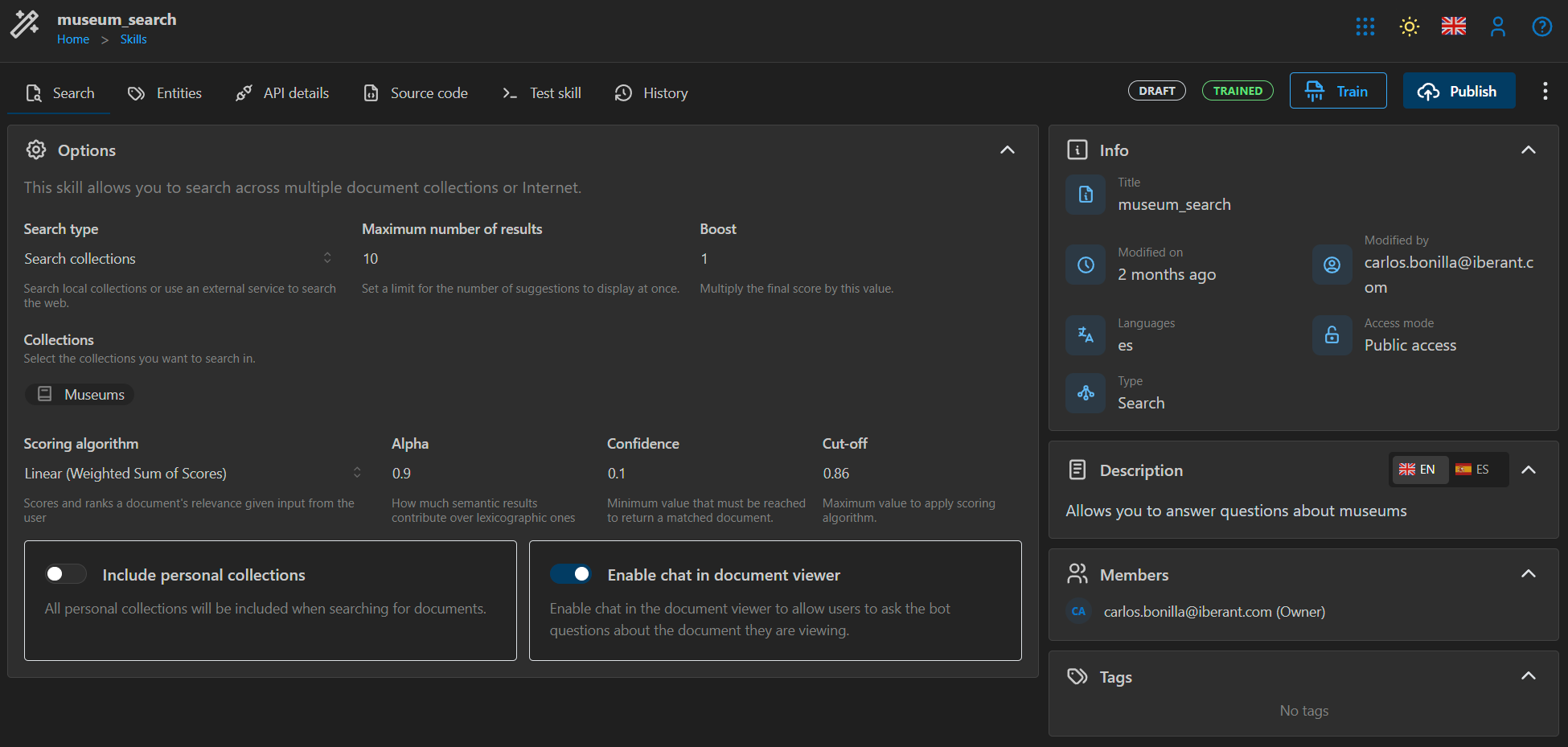
Search skills allow our bot to answer questions and provide information about our documents or information on the Internet.